
Cornell Notes Template (No Header)
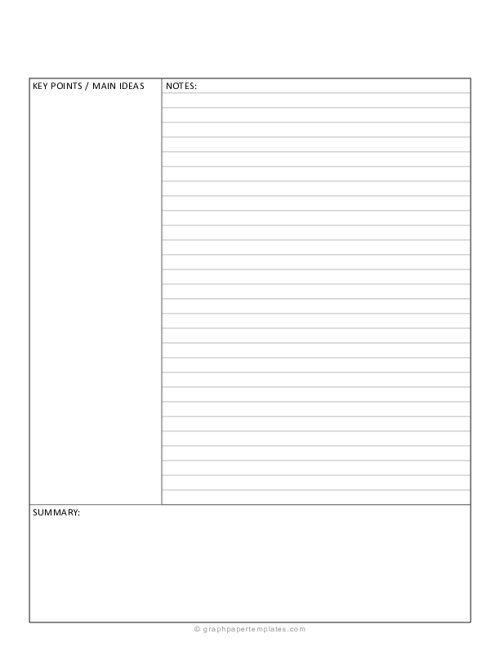
The Cornell Notes Template (with No Header section) allows users to customize the top section according to their preferences or specific needs. This template features sections for topics, main ideas, and notes. Download and print.
Cornell Notes Template (No Header)
You may also like:
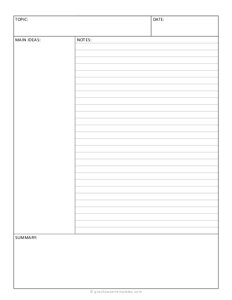
The Cornell Notes Template is useful for taking notes on any type of lecture material, and it is especially effective for classes that require a lot of memorization.
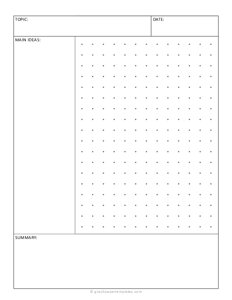
Cornell Notes Template (with 1 cm Grid)
The Cornell Notes Template (with a 1 cm Grid Graph for the Notes Section) integrates the Cornell Notes system with the precision of a 1 cm grid graph in the notes section.
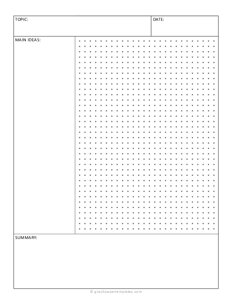
Cornell Notes (with 5 mm Dot Grid)
Cornell Notes Template (with 0.5cm) on letter size paper. The template comes with sections like Main Ideas, Notes taking section, and Summary Section.
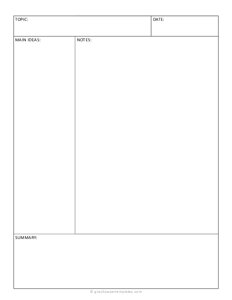
The Blank Cornell Notes Template helps enhance your note-taking experience. It includes sections such as topic, main idea, notes, and summary, following the renowned Cornell Notes system. This template comes with no lines in the notes section.
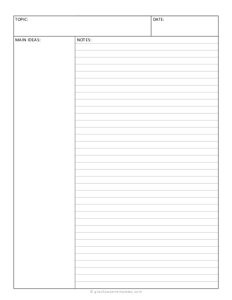
Cornell Notes Template (No Summary)
The Cornell Notes Template, with no summary section, includes topics, main ideas, and a notes section. Download and print this template and simplify your note-taking routine.
